

Flex ECM TCM Programmer
US $1,495.00
Flex is the revolutionary device for automotive tuning that allows you to speed up your work in your mechatronic workshop. Fast ECM and TCM programming Intuitive and easy-to-use software Limited lifetime warranty Magicmotorsport technical support
Complete your combo
Choose one or more secondary products to receive their configured combo prices.
Every selected secondary item receives the configured combo discount.
Secondary items in this offer may also qualify other shared combos.
Product and shipping coupons can be used with this offer.
Description
Flex 30 Years Edition: The Chiptuning Icon
Celebrating 30 Years Of Innovation In Chiptuning
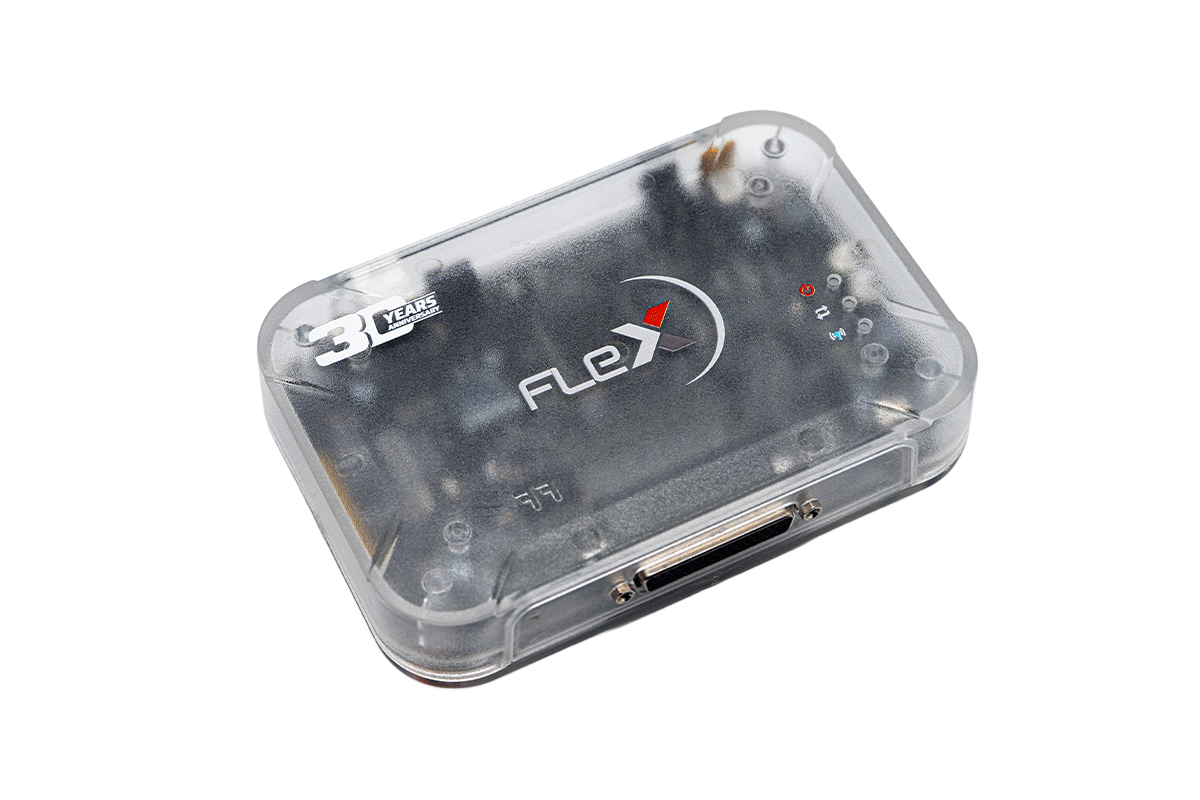
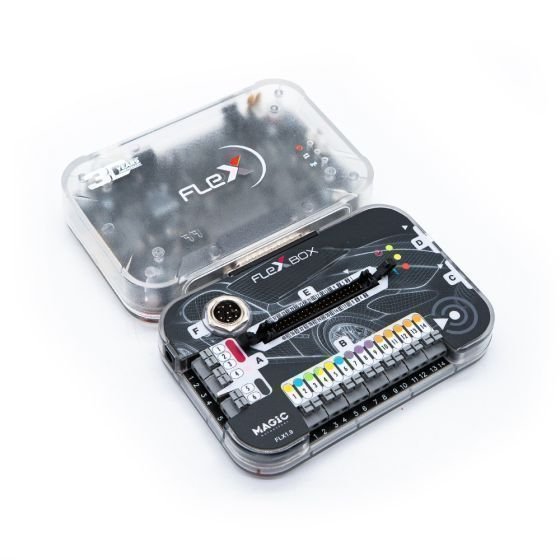
To celebrate 30 years of innovation in the chiptuning industry, Magicmotorsport presents Flex 30 Years Edition: a special version of the ECM and TCM programmer featuring an exclusive design and dedicated packaging, created to honor the history, experience, and technological evolution of Magicmotorsport.
Special Edition key features:
- Transparent design with visible components
- Magicmotorsport 30 Years commemorative logo
- Exclusive collector’s packaging
- Special complimentary gadgets
Key Milestones
- 30 years of innovation
- Since 1996, Magicmotorsport has been developing advanced technologies for chiptuning professionals.
- Flex represents the evolution of this journey: a concentration of experience and innovation looking toward the future of ECU and TCU programming.
Discover the Flex programmer
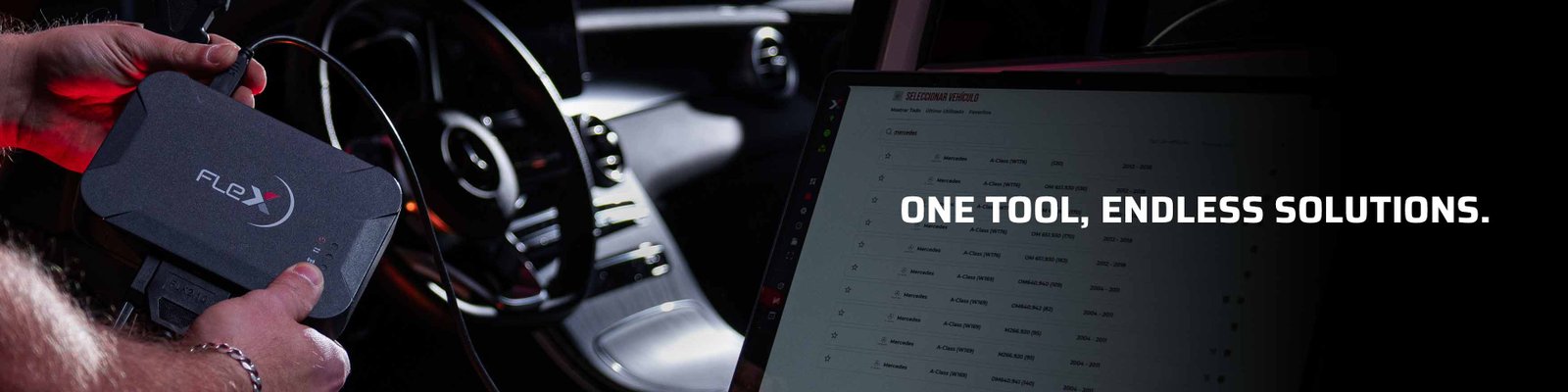
Chiptuning, repair, and performance optimization in a single solution.
- Read and write ECMs and TCMs, repair electronic modules, and improve vehicle performance with a tool designed to meet the needs of industry professionals.
- Everything in a few clicks
- Flex is the ideal solution for reading and writing engine and transmission control units quickly, easily, and intuitively.
- Expanding compatibility
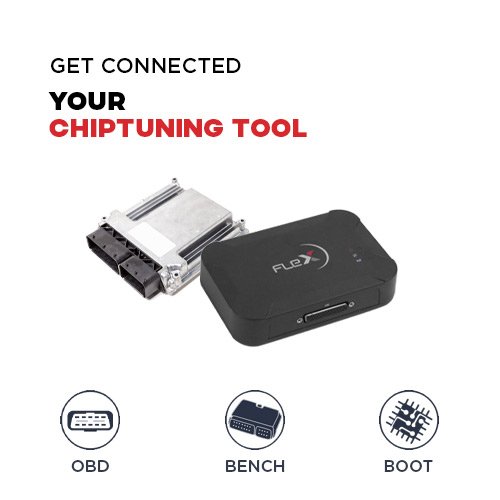
- Program cars, motorcycles, and trucks in OBD, Bench, and Boot modes with intuitive software and constant updates.
Limited Lifetime Warranty
Flex includes a limited lifetime warranty with repair or replacement service.
Dedicated premium support
Technical support is available Monday to Friday until 10:00 PM and Saturday until 1:00 PM.
Compatible Vehicles
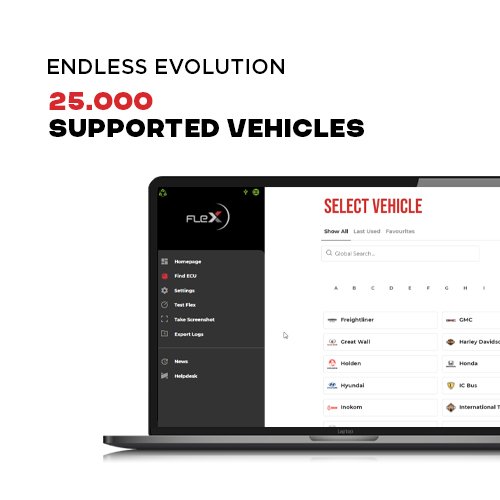
Thousands of vehicles, one platform
Flex is compatible with thousands of vehicles including cars, motorcycles, and heavy-duty vehicles, with constant and free updates.
- Cars
- Motorcycles
- Heavy-duty vehicles
Compatible Flex vehicles
- Advanced tools to work better
- Working with Flex is extremely simple: select the vehicle brand and model or enter the ECU/TCU code, and the software will automatically display the available connection modes.
- Guided connection
- The software automatically identifies the available connection modes for the selected vehicle or module.
- Advanced datalogger
- Collect up to 60,000 real-time parameters, including pressure, torque, air, fuel, exhaust gas temperature, speed, RPM, and more.
- Magic Lock

Protect your work by preventing unauthorized access to files stored in ECUs.
Tailored For You
Ready to work with Flex?
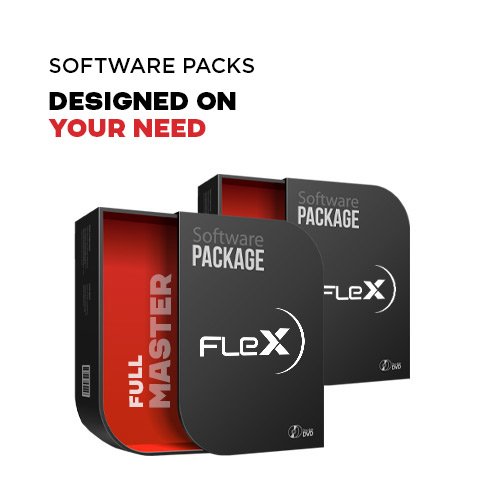
- Pair Flex with the software package that best suits your needs and start working right away.
- Choose your software package
- To use Flex, you need to select the most suitable software package. Choose a Master package for full independence, or a Slave package to collaborate with an industry expert.
- One year included
- When purchasing Flex with a software package, you get one year of subscription with updates and new solutions included.
- Continuous updates
- During the subscription period, you receive constant updates with new ECUs, vehicles, and advanced features.
- Maximum freedom
- At the end of the subscription, you can choose whether to renew or continue using Flex with all previously received updates.
FAQ
I’m about to purchase Flex. How do I choose the right software package?
- When purchasing Flex, keep in mind that the hardware is the same for both Master and Slave licenses.
- The main difference lies in the software license: choose the one that best suits your workload, then activate the device via the Helpdesk.
- For more information, check the Flex vehicle list.
How can I start working with Flex?
- After purchase, create a new account on the Helpdesk platform or log in with your existing one. If you’ve purchased Flex on magicmotorsport.shop you can use the same account you registered.
- Go to Product Activation, click Activate new product, enter the Flex serial number, and activate it.
- With a Master license, you can start immediately. With a Slave license, enter your Master’s details – like e-mail address or his Flex serial number – to begin working.
- Please note: activate your software license after receiving your hardware. Flex is easy to use: search for the vehicle you want to work on, choose the protocol and select the connection mode that best suits your needs.
What is the difference between Master and Slave?
Master
- The Flex Master software license offers numerous advantages. It has been designed to allow the user to create their own professional network: activate your file decryption software module and add up to 99 Slave users to your account.
- Furthermore, the Master version has no limitations on file formats: the user works with clear files and .bin formats, both editable with any type of software.
- The Master user can also use the file modification services offered by Magicmotorsport, receives 300 free Green Coins per month, and benefits from full technical support.
SLAVE
- The Flex Slave software license can only work with encrypted files; therefore, the Slave user cannot access or modify their content.
- Any modification requested by the Slave user must be sent to their Master, who will be able to encrypt or decrypt the files. The Flex Slave tool must be connected to a Flex Master account.
- This Master can be chosen by the Slave user or recommended by Magicmotorsport based on the user’s geographical area. Once the Master has been selected, the Slave user will be exclusively linked to them for any operation that requires file modification.
- The Slave user benefits from basic Magicmotorsport technical support, and all support requests must first be handled by their Master. Slave users cannot be detached unless the Master sends explicit authorization via email to Magicmotorsport.
What are the product warranty conditions?
- Flex tools with an active subscription are covered by a limited lifetime warranty.
- In the event of damage confirmed by technical support, after opening a repair request ticket for the Flex module (FLX1.1) or Flexbox (FLX1.9), the user can request a new interface at no additional cost, except for shipping costs.
- For more information visit: view MMS warranty terms.
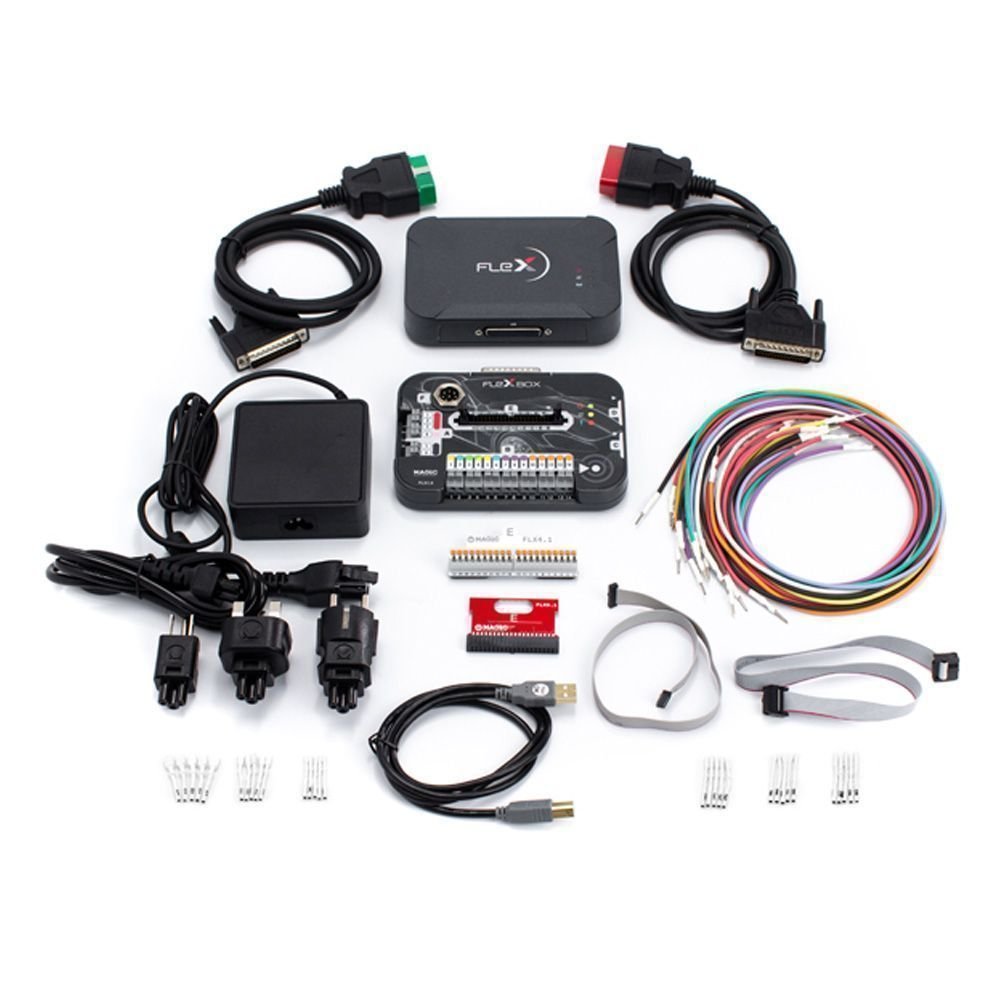
Inside the package you will find:
| SKU code | Description | Quantity |
|---|---|---|
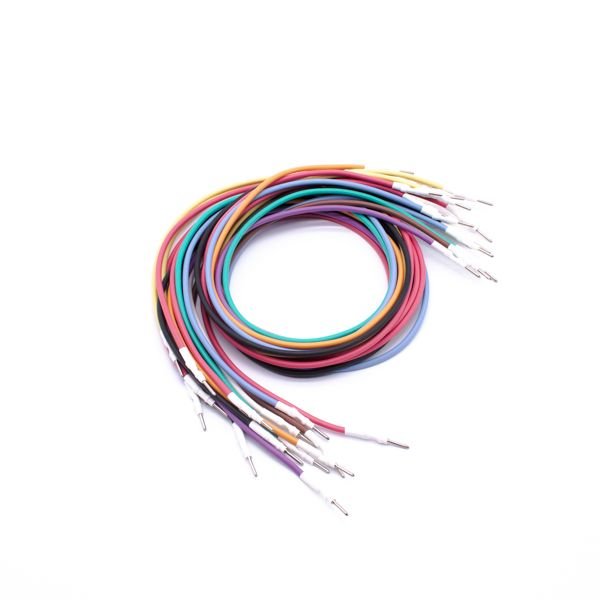
| FLK35 | Cabling kit: FLX3.5 color coded wiring harness | 1 |
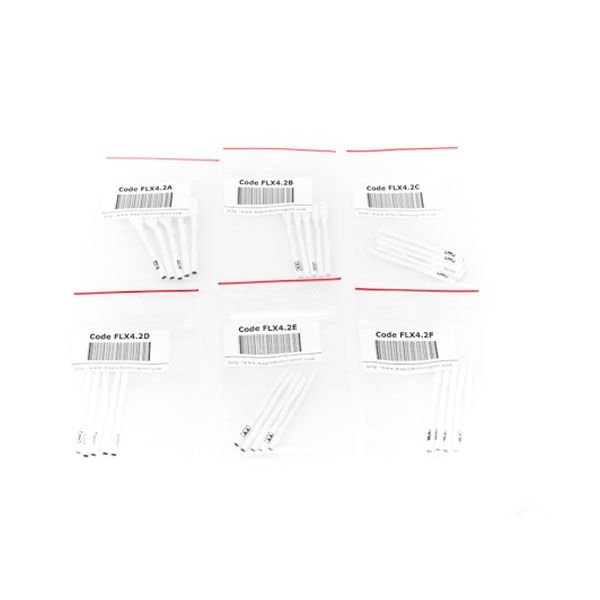
| FLK42 | Adapter kit: 6 pcs set of pin adapters to FLX35 | 1 |
| FLX1.1 | FLEX Base Module | 1 |
| FLX1.9 | FlexBox Module for FLEX | 1 |
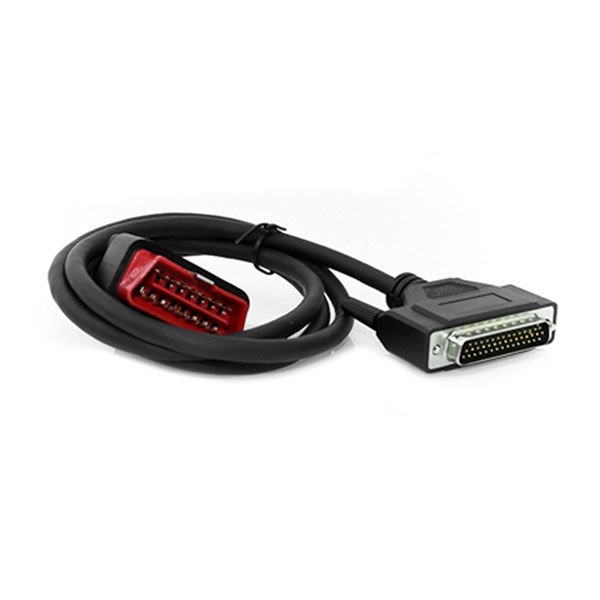
| FLX2.10 | Connection cable OBD: FLEX to CAN/Kline RED | 1 |
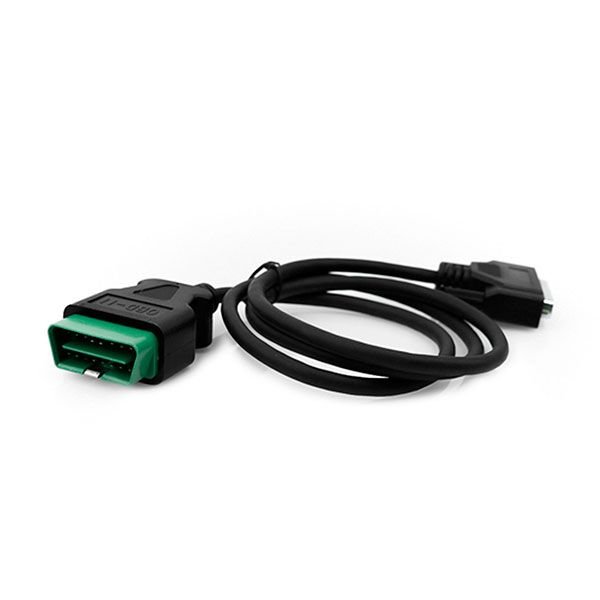
| FLX2.11 | Connection cable OBD: FLEX to ENet GREEN | 1 |
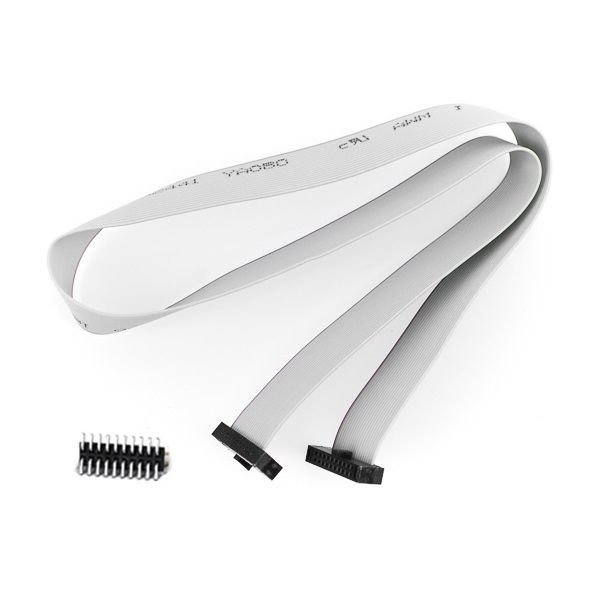
| FLX3.3 | Connection cable: FlexBox port C to NEC 7F00 XX | 1 |
| FLX3.4 | Connection cable: FlexBox port D to BDM MPC5xx | 1 |
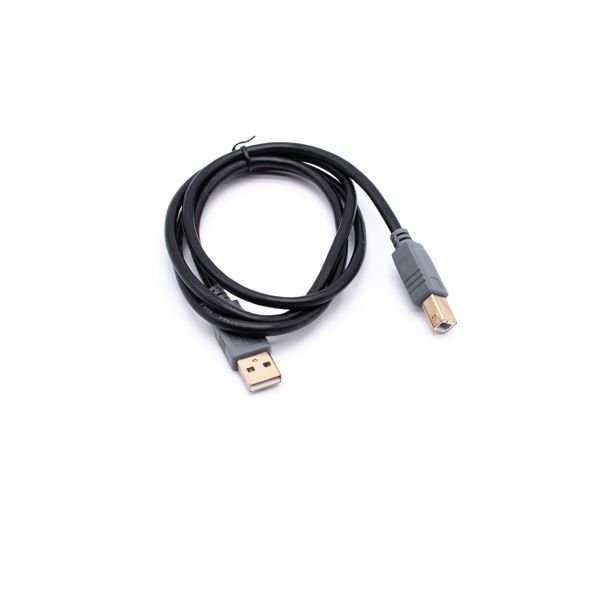
| FLX3.9 | Connection cable: USB 2.0 AM-BM BLK 1.8m | 1 |
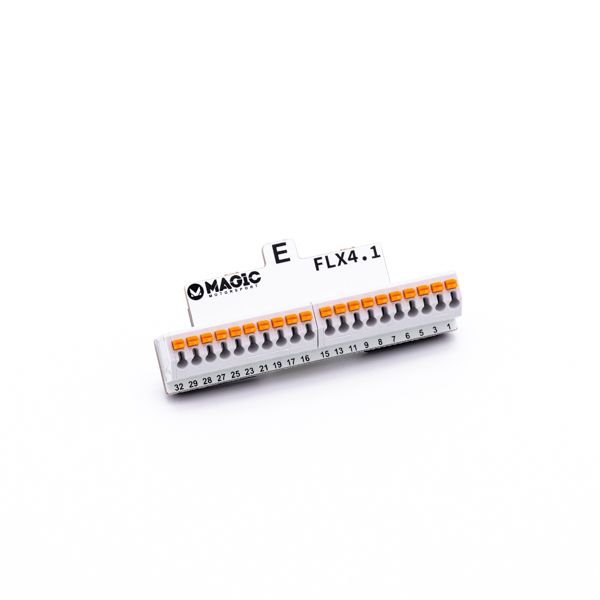
| FLX4.1 | FlexBox port E 40 pin adapter for FLK35 | 1 |
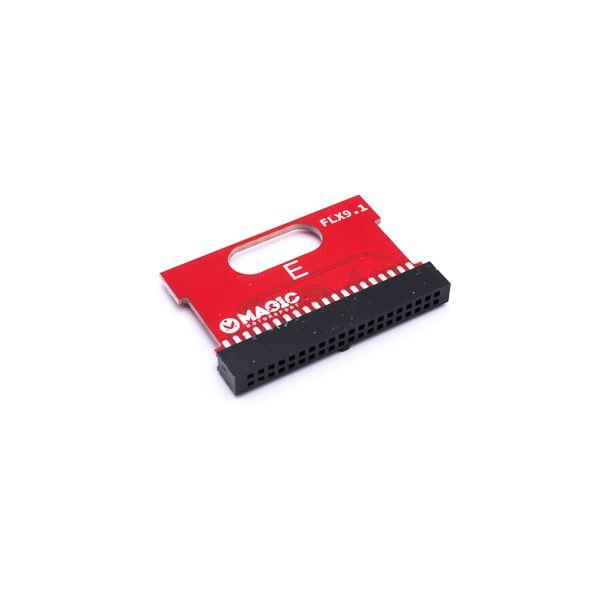
| FLX9.1 | FLEX & FlexBox diagnostic adapter | 1 |
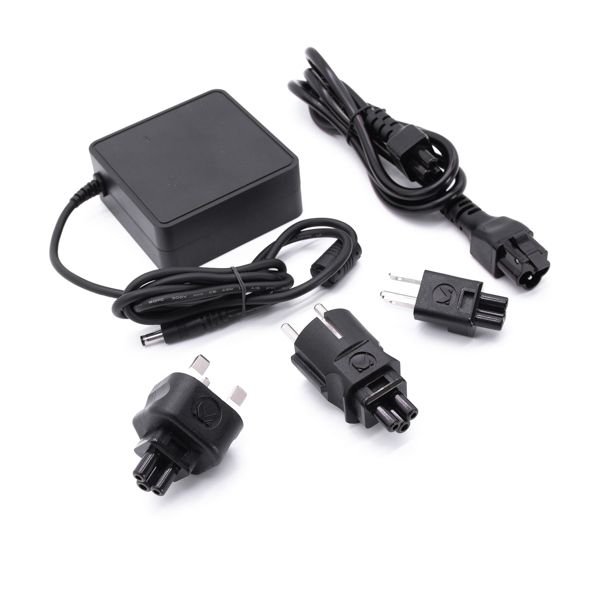
| FLK49 | Switch Mode Power Supply for FLEX with plugs | 1 |
| FLX8.10 | FLEX Branded Box | 1 |
Additional information
| Control Unit Type | ECU/ECM, TCU/TCM |
|---|
Only logged in customers who have purchased this product may leave a review.
Reviews
There are no reviews yet.